

Dreamcast Roms

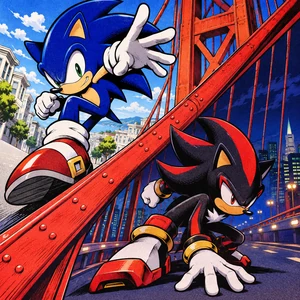

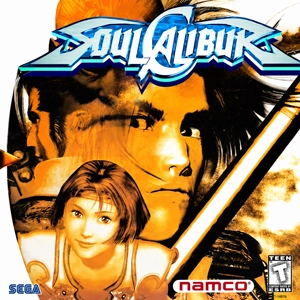

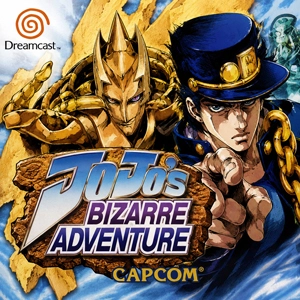
When browsing Sega Dreamcast ROMs, check the region on the game page if you’re looking for a particular release. The file format tells you what to open after extracting the download.
If a ZIP unpacks into a folder full of numbered tracks, look for the small .cue or .gdi file that came with them. Open that file in Flycast. It tells the emulator which tracks belong to the disc and in what order. Keep the tracks in the same folder with their original names.
A .chd packs the disc into one compressed file that Flycast can open directly. For a game that spans several discs, the Flycast core in RetroArch can load an .m3u playlist so you can switch discs during play.