

Gameboy Color GBC Roms


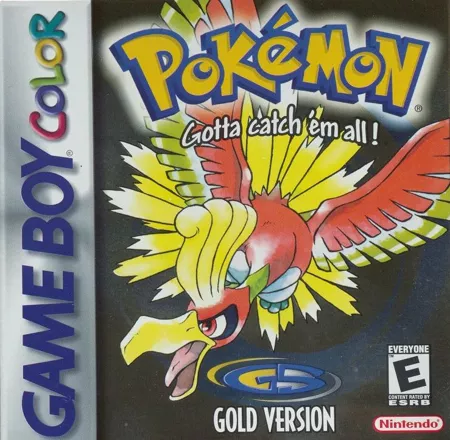


Game Boy Color ROMs cover several kinds of cartridges. Some games need Game Boy Color mode to start. Others use their own color graphics on the Color and still run in monochrome on the original Game Boy. Older Game Boy games can also run on the Color, sometimes with a color palette supplied by the system.
Choose the release and open the ROM
Use the region filter if you’re looking for a specific release. If you need a particular language, check the game page for language details. A region label such as Europe can cover releases with different language options.
If the download comes in a ZIP, extract it and open the .gbc or .gb file in a Game Boy Color emulator. SameBoy and mGBA can load both formats. If a color-enhanced game starts in grayscale, check whether the emulator is set to the original Game Boy model.
Keep your game progress
When a game has its own save option, use it to keep your regular progress. An emulator save state captures the exact moment you paused, which is handy between checkpoints. If you’re moving to another device, back up the in-game save file before you switch.