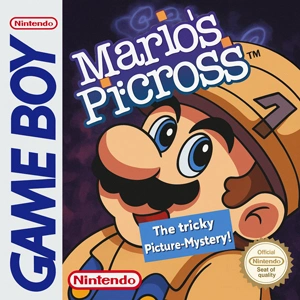

Game Boy ROMs (.gb) — Full Set & Individual Games
The Game Boy never needed to impress anyone. It just worked, took a beating, and turned five spare minutes into a real session. Everything is here — 1,959 Game Boy ROMs in .gb format, Tetris and Pokémon Red and Blue and Link's Awakening included. Take a full pack from the table below, or scroll down to grab single games one at a time.
| File Name | Size | Format | Games |
|---|---|---|---|
| Game Boy ROMs — Full Set | 274 MB | .gb | 1959 |
| Game Boy ROMs — USA / English | 75 MB | .gb | 737 |
| Game Boy ROMs — Japan | 110 MB | .gb | 865 |
Three ways to grab the Game Boy library:
- Full Set — every Game Boy release, including Japanese titles, prototypes, betas and unlicensed carts. Best for handhelds and frontends: scrapers match No-Intro filenames exactly, so box art lands correctly on the first scan.
- USA / English — the practical pick. English releases only, at about a quarter of the size.
- Japan — import titles and Japan-exclusive releases, including entries in series that only reached the West years later.
Not sure which one? If you just want to play, take the USA / English pack. Choose the Full Set only if you want every revision and prototype on disk.
Every file is a plain .gb ROM, individually zipped and named to the No-Intro standard. Prefer to pick titles one at a time? Use the full file list or the individual posts below.
Looking for Game Boy Color or Game Boy Advance? Those are separate categories.
Latest Game Boy (GB) Roms
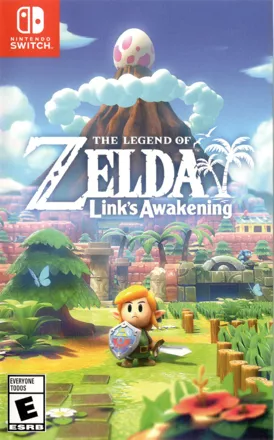
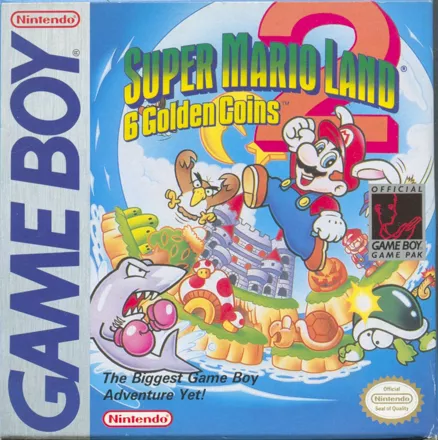
How to install Game Boy (GB) ROMs
Game Boy is one of the easiest systems to emulate — no BIOS file, no setup beyond installing the emulator itself.
- Install an emulator. mGBA is the usual pick on desktop. The table below covers the alternatives.
- Extract the download. Every ROM here is a
.zipholding one.gbfile. Most emulators will not read the game while it is still inside the archive — RetroArch is the exception. - Load the ROM. Drag the
.gbfile onto the emulator window, or use File → Load ROM. - Play. Keyboard works out of the box; any USB or Bluetooth controller can be mapped in the input settings.
Emulators worth using for Game Boy
Game Boy asks almost nothing of your hardware, so accuracy and convenience matter more than speed. Everything here runs the whole library on a decade-old laptop or a cheap handheld.
| Emulator | Platforms | Best for |
|---|---|---|
| mGBA | Windows, macOS, Linux, Android | The default. Accurate, light, runs GB, GBC and GBA. |
| VisualBoyAdvance | Windows, macOS, Linux | The long-standing alternative if mGBA misbehaves. |
| RetroArch | Desktop, Android, iOS, retro handhelds | One frontend for every system, with shaders and rewind. |
| SameBoy | Windows, macOS, Linux | The most accurate Game Boy emulator there is. |
| Delta | iPhone, iPad | On the App Store — no sideloading. The easiest route on iOS. |
Reading the filenames
Every file follows the No-Intro naming standard. Once you can read it, you never download the wrong version again.
(USA)(Europe)(Japan)(World)— release region.(World)means one cartridge shipped everywhere.(USA, Europe)— one identical release covering both regions.(Rev 1)(Rev A)— a later revision, usually with bug fixes. No suffix means the original printing.(Proto)(Beta)(Demo)— unfinished or promotional builds. Frequently unstable.(Unl)— unlicensed, mostly Sachen multicarts. Compatibility varies.(En,Fr,De)— languages inside a multi-language European release.
Game Boy, Game Boy Color or Game Boy Advance?
Three systems share a family name, and mixing them up is the most common reason a download refuses to boot.
- Game Boy (GB) — this page. Files end in
.gb. - Game Boy Color (GBC) — files end in
.gbc. A separate library, though a GBC console plays GB carts too. - Game Boy Advance (GBA) — files end in
.gba. Different hardware, much larger catalogue.
Game Boy ROM FAQ
Which pack has Pokémon Red and Blue?
Both the USA / English pack and the Full Set. The Japan pack carries the original Japanese Red, Green and Blue instead.
Will my saves carry over between emulators?
Battery saves (.sav) transfer between almost every Game Boy emulator. Save states do not — they are tied to the emulator that created them.
Can I use these on a retro handheld?
Yes. Anbernic, Miyoo and Retroid devices run RetroArch or a similar frontend and read .gb files directly. Copy the extracted ROMs to the SD card and rescan the library.
A game boots with glitches or resets. What now?
Try the other revision or region of the same title before touching any emulator setting. That fixes it far more often than changing settings does.