Wii Roms
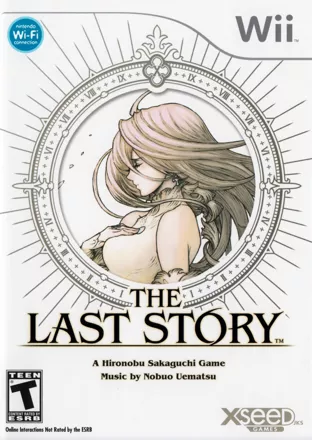
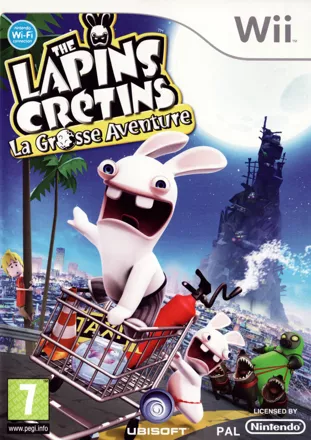
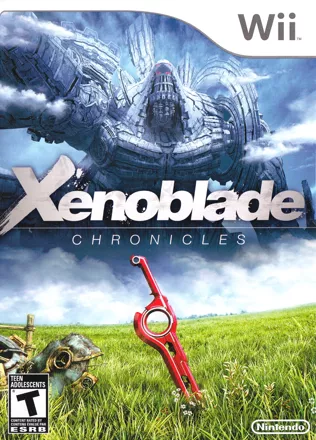
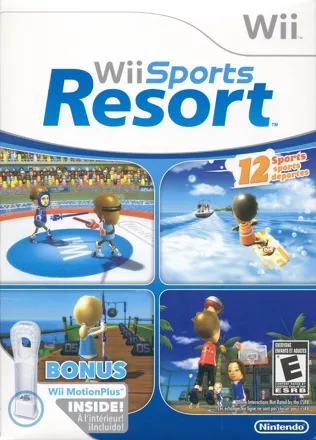
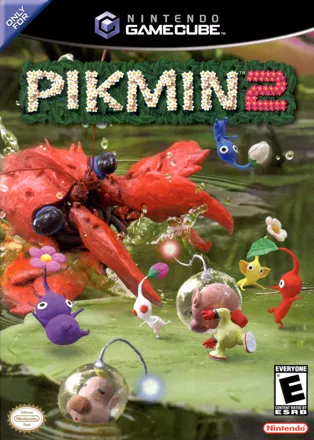
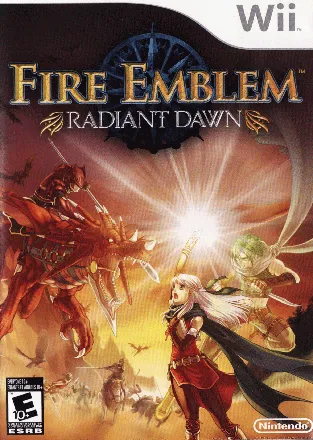
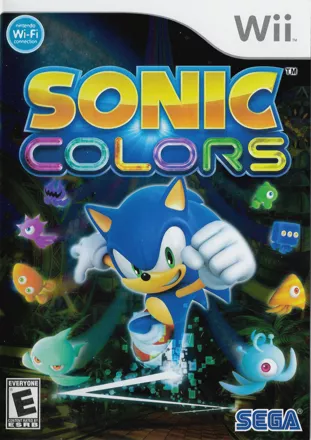
You’re in our Nintendo Wii ROMs category. Use the list and the filters above to browse by genre, region, or popularity.
Open any game page and you’ll see the info that actually matters: format (ISO / WBFS / NKit), region (USA / PAL / JPN), and an estimated size so you’re not downloading blind.
Wii ROMs: what you’re looking at and how to choose the right format
If you only do one thing
Start with an ISO in your preferred region (a lot of people pick USA/NTSC). It’s usually the least dramatic option for compatibility, patching, and general “just let me play” setups.
Formats, explained like you’re not trying to read a spec sheet
- ISO: the safest default. Best odds for compatibility, and it’s typically the good path for mods and patches.
- WBFS: often smaller and usually works well, but some tools are pickier and prefer ISO—especially when patching is involved.
- NKit: super common in big collections. When a game won’t boot or patches refuse to apply, converting to a full ISO often clears the problem fast.
Regions (USA / PAL / JPN): when it actually matters
Most of the time, region is background noise. It only becomes “a thing” when something looks off, runs oddly, or you’re applying a patch.
PAL vs NTSC
PAL versions can run at 50Hz. If the game feels slower than expected or you’re seeing black borders, try an NTSC release (USA/JPN) or switch video mode inside your emulator.
Patches & saves
Mods, texture packs, and even save files often expect a specific region sometimes a specific revision too. “Close enough” is how you end up with a patch that installs but doesn’t actually work.
Languages / small edits
Some regions ship different language options, text, or small content changes. Usually subtle, but it explains those occasional “why is this menu different?” moments.
How to play (quick setup)
- Install a Wii emulator (Dolphin is a common choice for PC and Android).
- Add your games folder, then refresh the library.
- Configure controls and launch the game.
- Start with default settings first, then increase enhancements if it runs good enough.
If a game doesn’t start
Boot issues usually come from emulator version/settings or a format/region mismatch. Update the emulator, test with default settings, then try an ISO.
If you’re using patches, match the exact region (and revision, if the patch mentions one). That one detail saves a lot of pointless trial-and-error.